Everything you need to know about speed reading is found in the instructional videos in the Courses section. To watch these videos and complete the reading and comprehension exercises, click on the "Courses" button on the home page, or select the "Courses" option from the main menu.
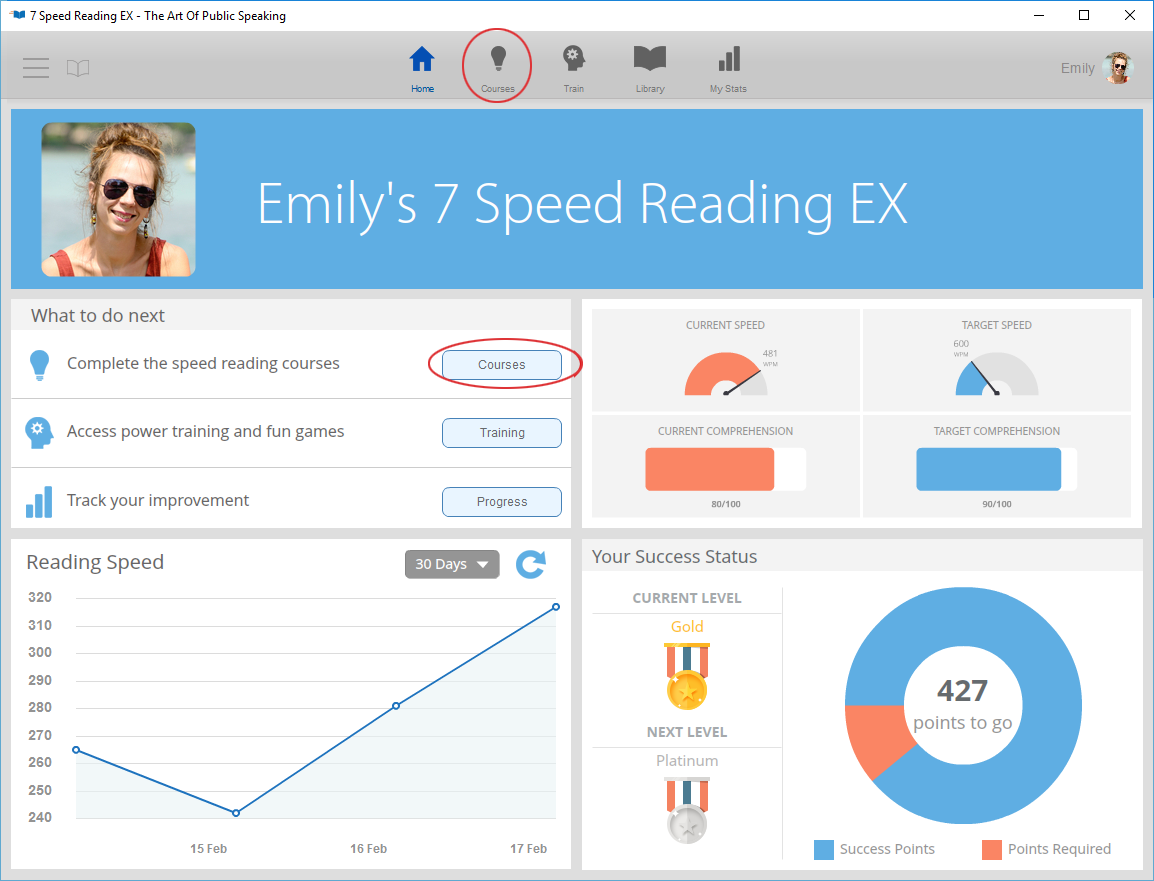
The courses are divided into five categories: Expert Courses, Warm Ups, 3X Reading Speed, Advanced Training, and Test Yourself.
-
If you're new to speed reading, we recommend that you start with the Expert Courses videos to find out how improved reading skills can change your life, discover the bad habits that have been slowing you down, and learn about the importance of ergonomics.
To avoid eyestrain or muscle problems, use the Warm Ups videos before you begin any of the 3X Reading Speed courses or other training activities.
The 3X Reading Speed courses are divided into 10 levels, each of which contains exercises that improve your reading and comprehension rates. Each level has been designed to build on the lessons you learned in the previous exercises, so we recommend that you go through the video course levels in order.
With the Advanced Training courses you can focus on any of the three main categories of speed reading training. These courses can be used at any time after you finish the 3X Reading Speed series.
In the Test Yourself section, you can see how well you're doing when it comes to reaching your current reading speed and comprehension goals. The system uses the results of the reading speed test to adjust the display speed in many of the exercises and activities in other modules.
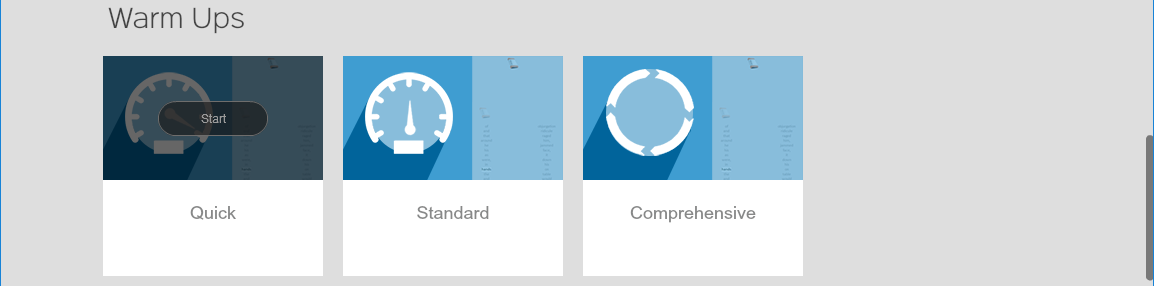
Hover your mouse over any of the courses to begin or continue any of the exercises and/or videos in that module. If this is the first time you have accessed the module, click the "Start" button that appears.
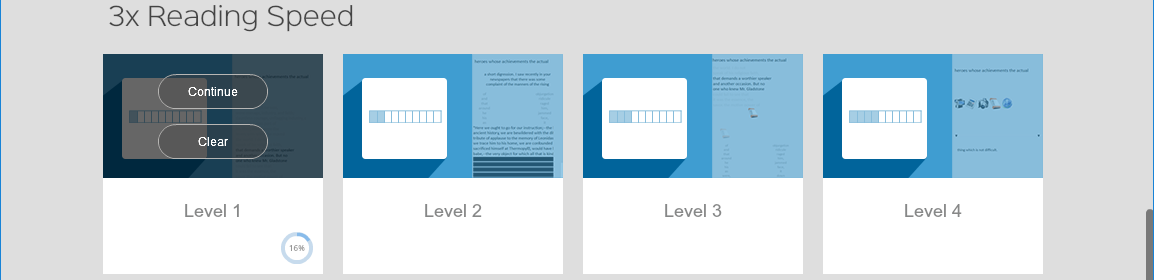
If you have already started that module, you will see a "Continue" button that takes you back to where you left off in your previous session..

When you have finished the entire module, you will see a "Review" button that allows you to go over any of the exercises in that module.
If you want to review an exercise without clearing your results, click the "Review" button and then use the "Review Section" drop-down to select the exercise you want.
If you want to start over and go through the entire module in order, from the beginning, click the "Clear" button. The system will erase all of the results from the exercises and prompt you to begin the module again.